1.7 Additional Prepregs
- After creating a stackup via the wizard, additional editing of the build can be done. For example, the addition of a prepreg layer
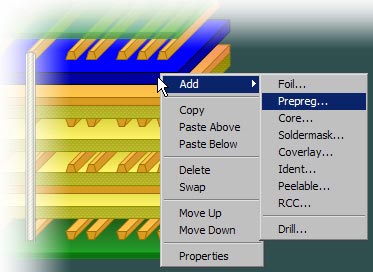
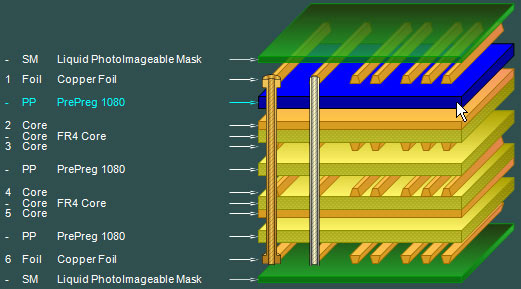
- 1. select an existing prepreg within the stack (in this case highlighted in blue)
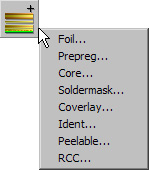
- 2. Using the Add Material icon on the toolbar (or right-click context menu), Select the Prepreg material type.
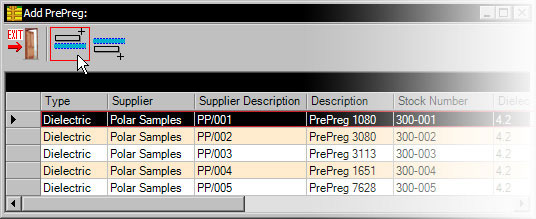
- 3. Using the material browser, select the item you require and click on the 'Add Above' icon.
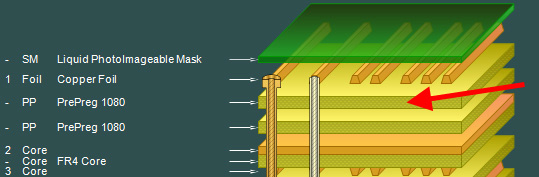
- And the stackup should appear as below.
- Now add an additional prepreg material below the existing one between layers 5 and 6