|
|
|
|
|
|
Installing hardware key drivers for Polar software
Application Note AP620
|
|
|
Download the FlexID HASP Installer for Polar Software Versions 21.01 or later. 1) Unzip the installation files into a suitable folder e.g. C:\Tmp 2) Open an elevated command prompt or PowerShell window 3) To install the driver, navigate to the installation folder and type: .\haspdinst -install
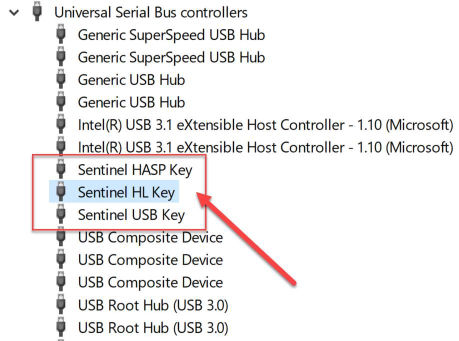
5) Now plug in the USB key 6) Check your Devices in Control Panel|Device Manager and ensure you see these entries under the USB List;
Upgrading USB key based Polar software |
|
|
|
|
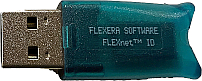
Prior key – version 3.25, hardware 6.1 |
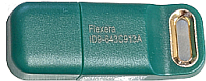
Current key – version 4.34, hardware 7.2 |
|
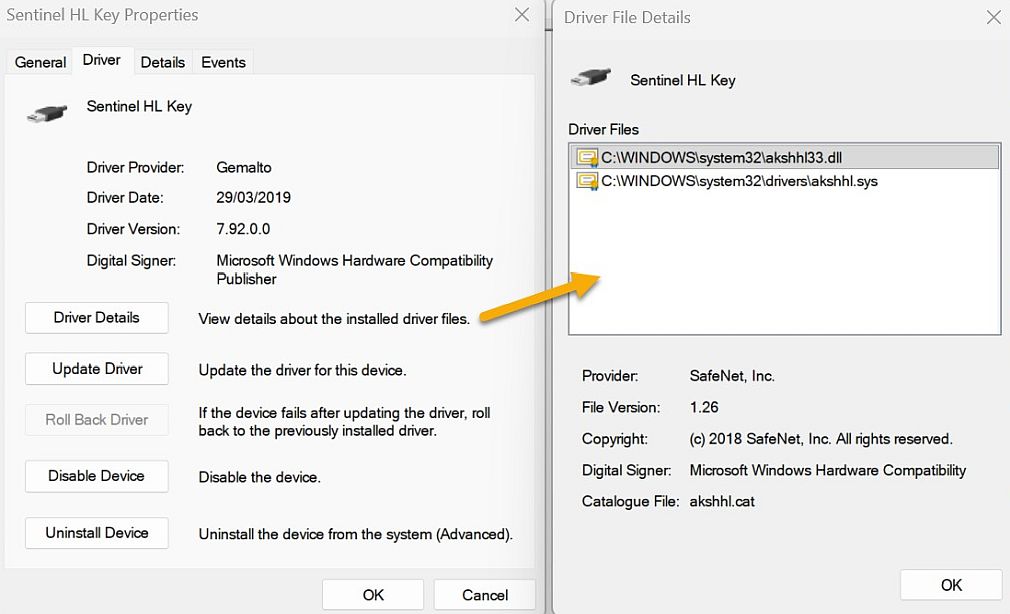
Issues with USB Key and Crowdstrike™ If you find that the key is not working, even with a valid key, please go to Device Manager within Control Panel, double click the Sentinel HL Key (as shown above) and select the Driver Page, then the Driver Details button
If you see a 3rd driver called CSDeviceControl.sys then this means the device is being controlled by Crowdstrike and cannot be used until an exception has been made by your IT dept. Once this is done the USB key will then operate correctly. Troubleshooting the FlexID Hardware Key Please refer to our troubleshooting page if you experience any issues with the hardware key’s installation |
|