2.1 Adding Controlled Impedance To A Build
- Taking the build from tutorial 1. We will now add Controlled Impedance to it.
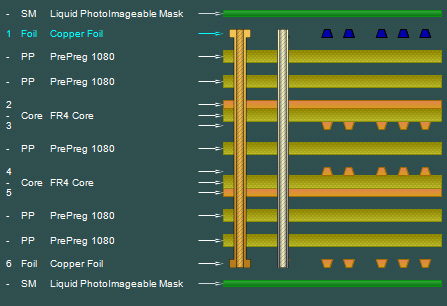
- Select the the copper layer (Layer 1) as shown
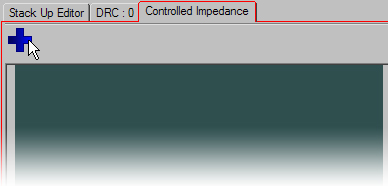
- Switch to the Controlled Impedance Tab.
- If this cannot be done, Enable it under the Options/Config menu item
- Hit the plus symbol button to add a structure..